General Reference
These wizard steps and processes are the same across all rendering methods.
Wizard Steps
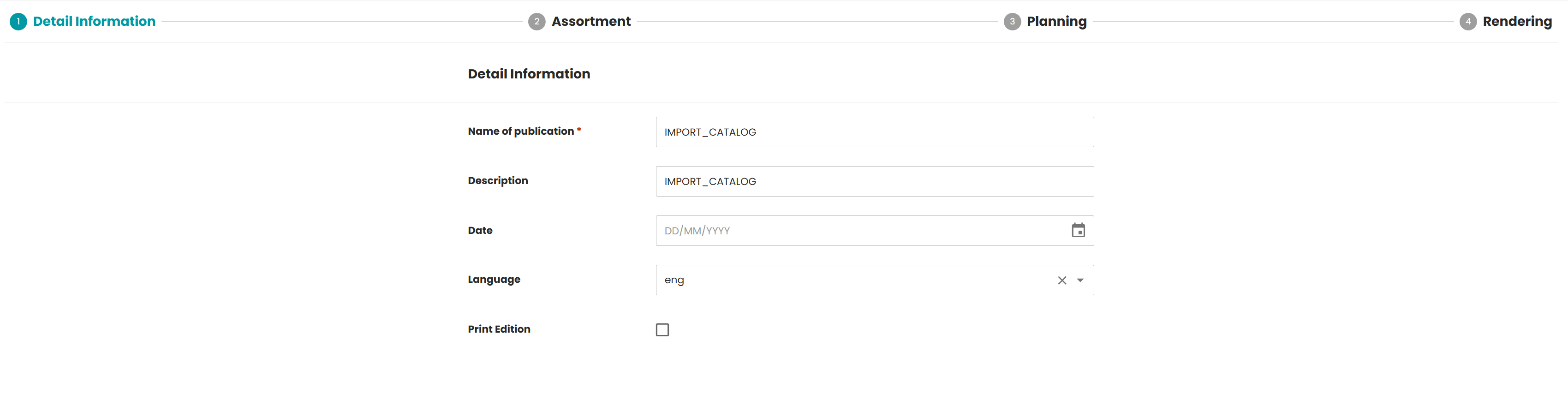
Detail Information
Based on the W2P FORM step. It displays a dynamic form where users enter or update the metadata of a publication.
This step shows all the controls that the Web2Publish Form step supports: text box (with or without validation), date picker, dropdown list, and checkbox.
Rendering
The Web2Publish PROCESS step runs a backend Camunda process as part of the wizard workflow.
Web2Publish supports two rendering methods: selection-based and import-based. Both methods use the same installation process.
Choose the rendering method that best fits your use case and follow the corresponding setup guide.
Installation Process
The Accelerating Pack comes with an optional automated installation process. It sets up Web2Publish, including a template publication, in a few steps.
W2P generic test data import process
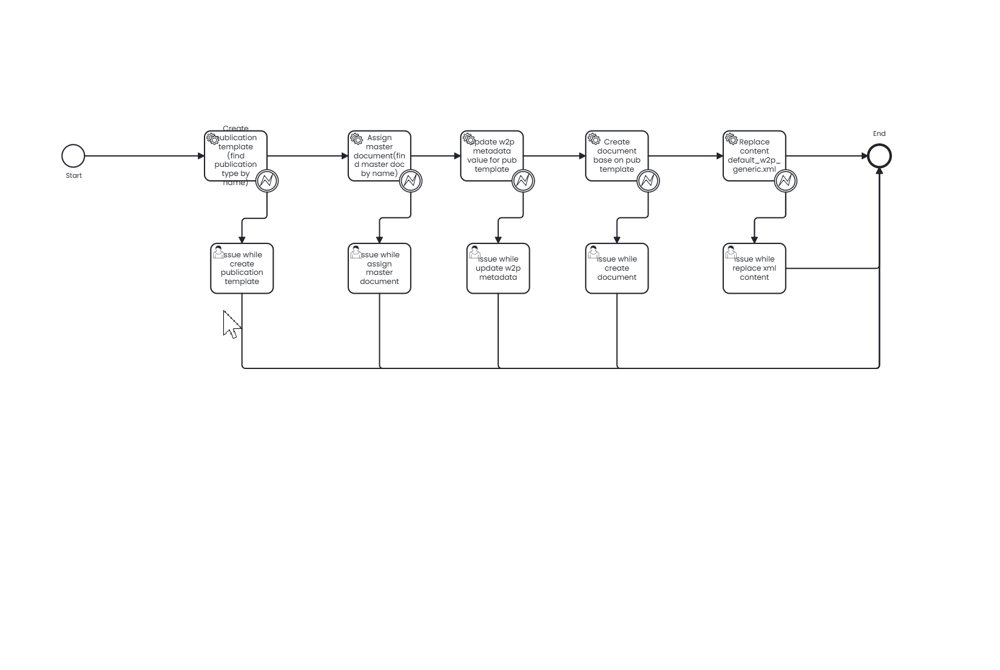
| Variable name | Type | Required | Value | Description |
|---|---|---|---|---|
| xmlResource | String | Yes | config/generic-w2p-config.xml => Create xml config with selection-based config/import-based-rendering-w2p-config.xml => Create xml config with import-based | Creates the W2P configuration file |
Setup
-
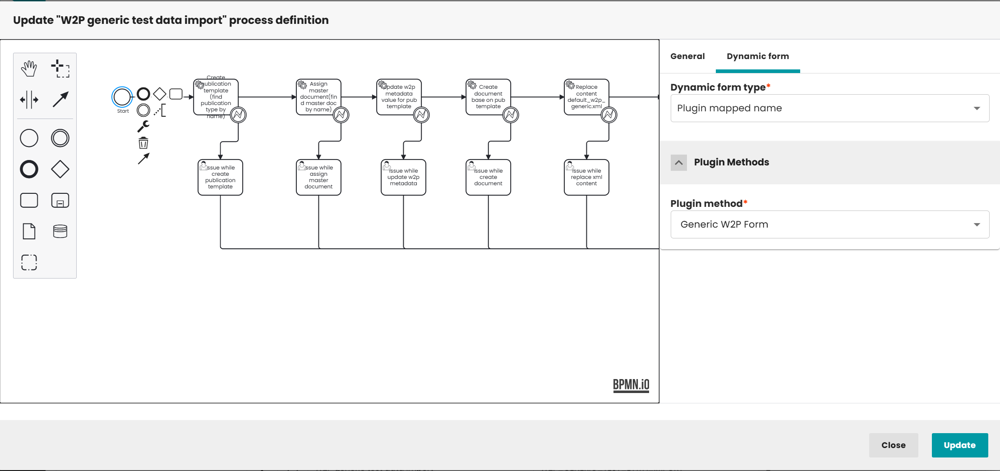
If the form does not display, choose Start > Dynamic form > Plugin method: Generic W2P Form.
-
Select the publication type Generic Import Based Rendering.
-
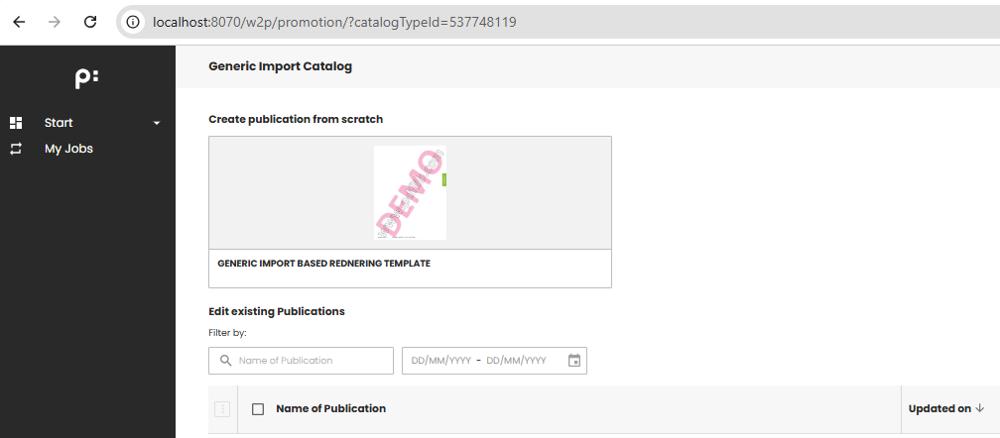
The generated template is then available in the W2P application.
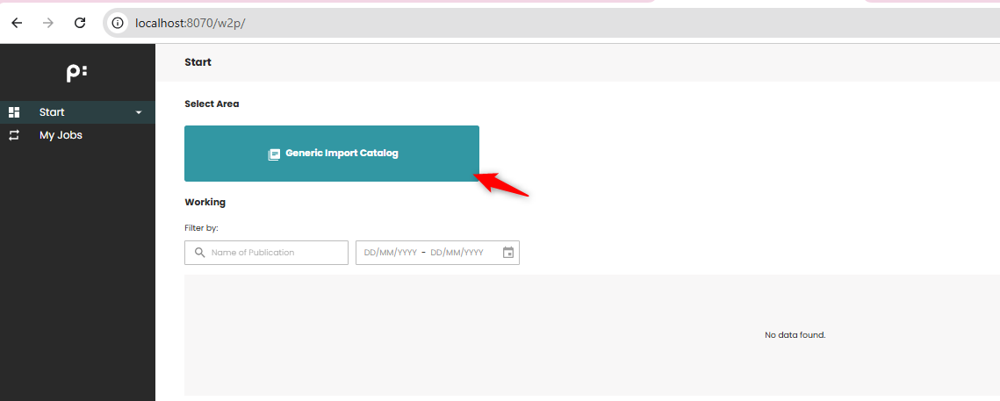
-
The template publication is shown.