Example
Overview
This AccPack ships many layout rules. This example takes one common use-case and shows you step by step how to solve it with AccPack Page Layout.
The case: a page holds many product images. Each image needs a short label, and the same label has to appear next to its caption and price so the reader can match the image to the right text. This is what the Leading Frames feature does.
If you want to know more about other use-cases, read the general concepts for an overview of the whole package.
Set up the templates
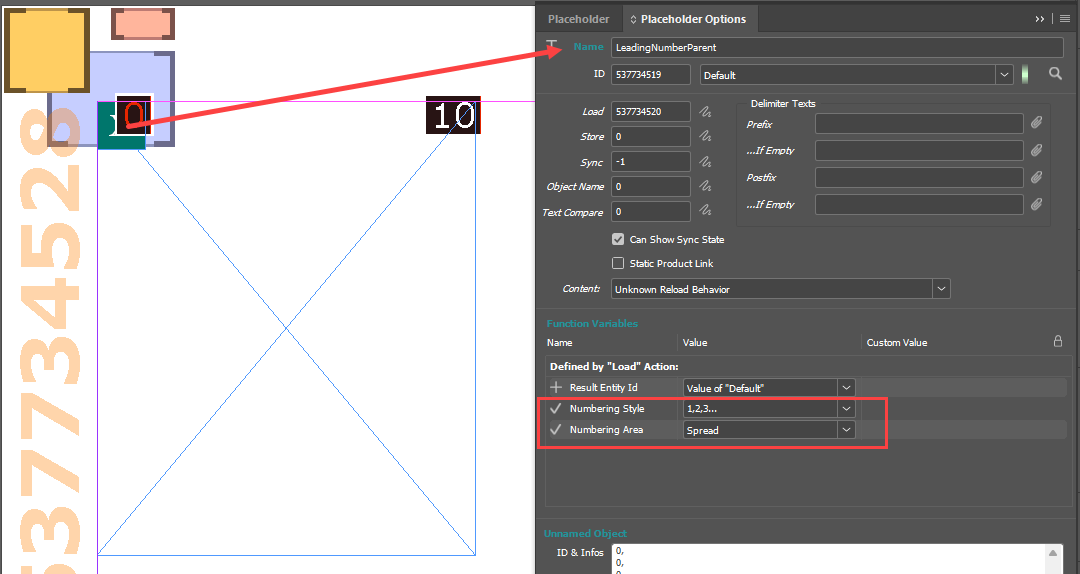
You work with two placeholders: a Leading Number Parent placeholder on top of the image, and a Leading Number Child placeholder on the text. The Parent placeholder carries two function variables, the numbering style and the numbering area. You store both placeholder IDs in the document attributes so the Panel Action can find them.
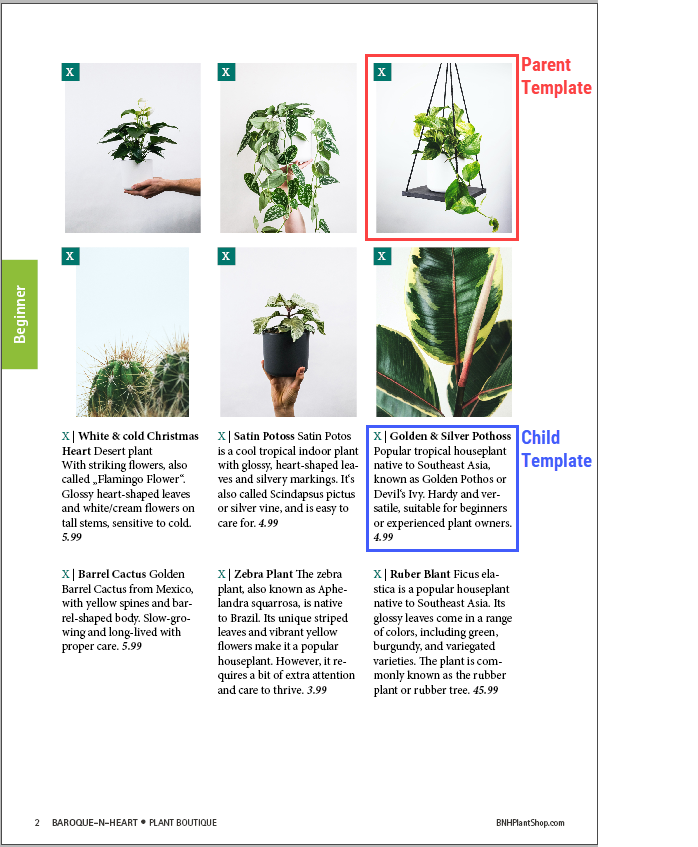
With the two placeholders you build a relationship between a parent template, for example one that holds an image, and a child template that holds the explanation and a price. Both templates link the same data record.
Run the Panel Action
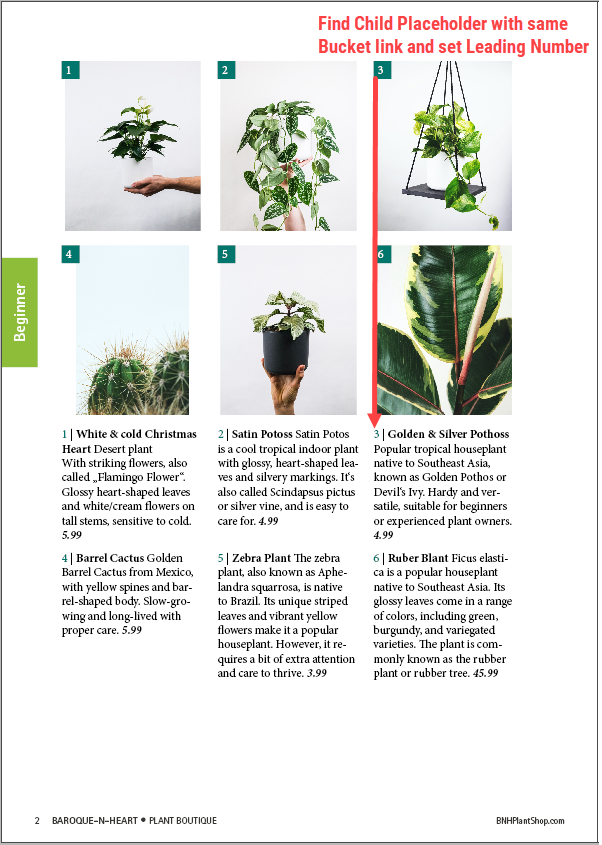
After building the document you run the Set_Leading_Numbers Panel Action. It collects all parent placeholders, sorts them by position, and numbers them in the chosen style. For each parent it finds the child placeholder that links the same record and writes the same number into it. This is how the pairs stay in sync. This script also works on IndesignServer.
Numbering area: page or spread
The numbering area controls where the count restarts. With the page area the numbering is evaluated on a single page. In this example we use letters (a, b, c, ...), and the lettering starts again on each page of the spread.
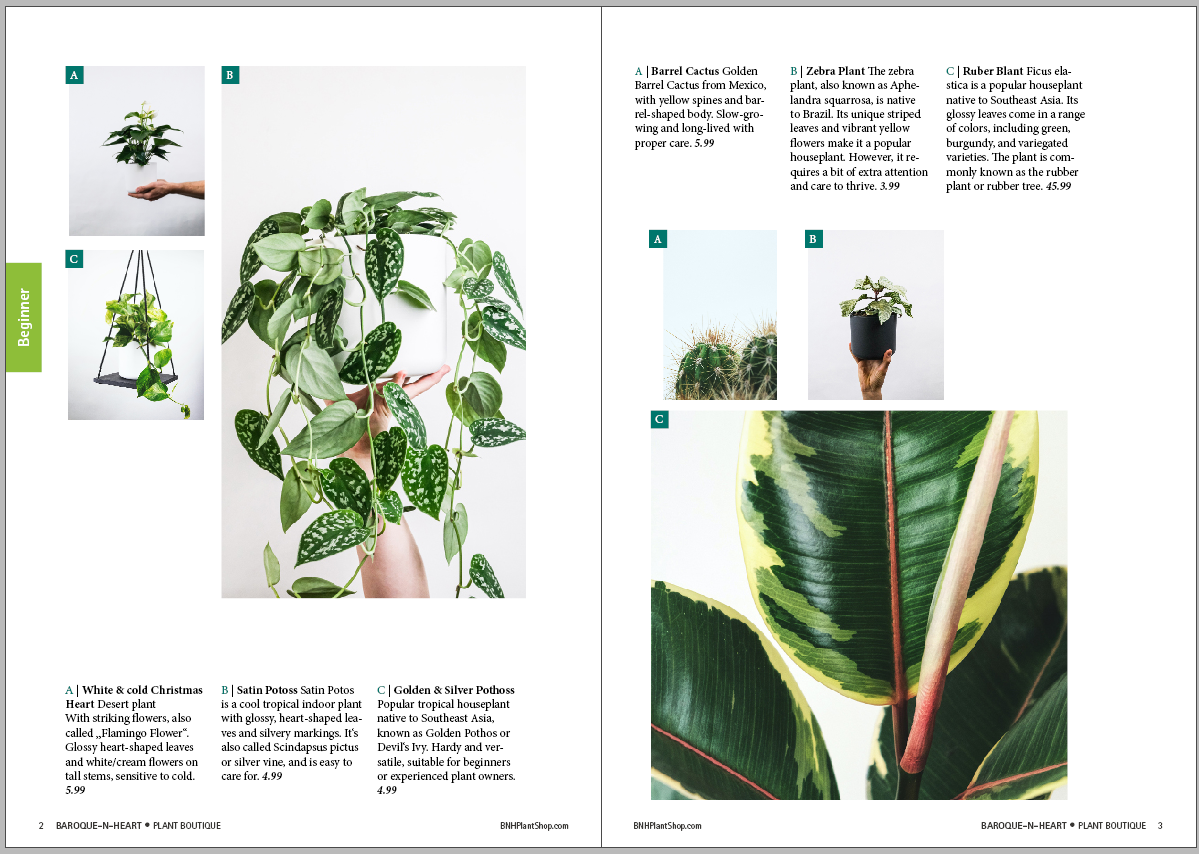
With the spread area the numbering is evaluated across the whole spread, left and right page together. The count does not restart on the right page, it continues from the left page.

Further Reading
- Leading Frames: placeholders, function variables, and the Set_Leading_Numbers Panel Action